Cover Letters · Published July 18, 2026
Use a straightforward cover-letter format that gives the recruiter context quickly and keeps the evidence tied to the job.
Quick answer
A cover letter for a job should use a simple one-page format: contact details, greeting, a direct opening, one or two evidence paragraphs, and a concise professional closing. Keep the design readable and the content tied to the role.
The practical format of a cover letter
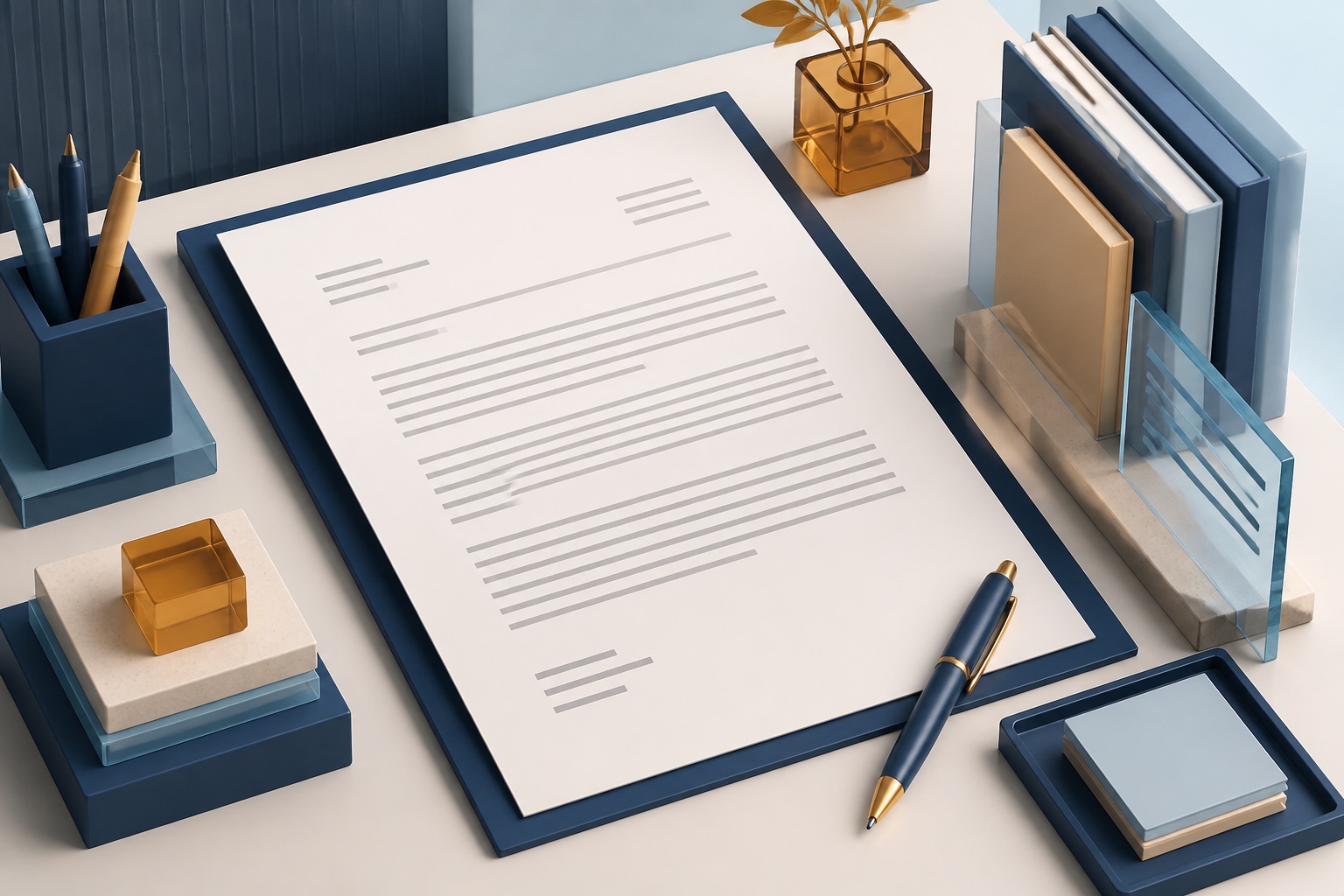
For most job applications, keep the cover letter to one page. Put your contact details at the top, then the date and employer details when you have them. Follow with a direct greeting, a focused opening paragraph, one or two evidence paragraphs, and a concise closing.
This cover letter format for a job works because it gives the reader the role context and relevant proof quickly, instead of making them decode a decorative layout or a long career history.
Formatting should make the letter easy to scan, not decorate it. Use a readable font, normal margins, clear paragraph spacing, and the same basic style as the resume. A recruiter should be able to see your role direction and the proof behind it without hunting through a wall of text.
Build a clear header
Use your name, email address, phone number, and a professional location or LinkedIn link if it helps the employer contact you. Below that, include the date and the company or hiring manager details when they are known.
If the job portal already stores this information, do not repeat it everywhere just to fill space. The header’s job is identification, not a second resume summary.
Use three short body paragraphs
Avoid retelling every job on the resume. The letter should explain the connection between your most relevant evidence and this particular role. If you are changing careers, use the career-change cover letter guide to make that bridge explicit without becoming defensive.
- Opening: name the role and give one specific reason your experience connects to it.
- Evidence: show one or two examples that match the job’s most important responsibilities or outcomes.
- Closing: restate the fit briefly, thank the reader, and say you welcome a conversation.
Can a cover letter use bullet points?
Yes, a short evidence list can work when the employer has not requested another format. Keep a real opening and closing, and use two or three bullets only when each supplies a distinct reason you fit the role. A list should make the evidence easier to compare; it should not repeat every resume bullet or replace the letter with a skills inventory.
Fictional example for an operations coordinator application: after a short opening naming the role, write “Two parts of my recent work are particularly relevant to your launch coordination needs:” and follow with the evidence below. Replace every claim with your own verified experience.
- Maintained a shared launch checklist, recorded changes to delivery dates, and followed up with task owners before weekly handoffs.
- Prepared concise supplier-update notes so the support team could see unresolved delivery questions before speaking with customers.
I would welcome the opportunity to bring that practical coordination experience to your team. Thank you for considering my application.
Choose bullets or paragraphs by what the reader needs
Use bullets when two or three independent examples answer different job requirements. Prefer a short paragraph when one example needs context, a tradeoff, or an explanation of your contribution. For a career change, the connection between old and new work may need a sentence before the list; the career-change cover letter guide explains that bridge.
Keep bullet markers simple, use a consistent grammatical style, and leave enough space to distinguish the opening, evidence, and close. If a portal asks for plain text, paste the final letter into that field and check that line breaks and markers survive. Do not add keyword-only bullets or numbers you cannot verify.
A practical final check: read the letter without the bullets. The opening and close should still identify the role and explain your interest. Then read only the bullets. Each should show work you actually did, without relying on a vague claim such as “excellent leadership.” Use the cover letter checker for a final wording review and the editable cover letter template when you need a clean starting layout.
Choose a simple closing
Use a professional sign-off such as “Sincerely” or “Best regards,” followed by your name. Do not add a long list of links, a motivational quote, or a repeated call to action. The strongest closing leaves the recruiter with a clear picture of the fit and a simple next step.
PDF, Word, and Google Docs: use the requested format
Follow the application instructions first. If the employer asks for a PDF, send a PDF. If the portal asks for a Word document, use DOCX. When no format is stated, a clean PDF is often a stable way to preserve layout, but you should still open the saved file and check it before uploading.
Start with the Google Docs cover letter template if you need an editable structure. Its purpose is to save formatting time; the content still needs to be truthful and specific to the role.
Run a final structure check
Before sending, read the letter once from the employer’s point of view. Can you identify the role, the strongest evidence, and the reason it matters? If the answer is not clear, shorten or rewrite the paragraph that hides it.
Then use the free cover letter checker online to catch generic wording, weak personalization, length issues, and job-description gaps. The checker is a final pass, not a substitute for real evidence.
Keep the format accessible across devices and markets
Use readable type, visible contrast, ordinary paragraph spacing, and meaningful link text. Check the exported page at normal zoom on a laptop and phone, then copy a paragraph into plain text to confirm that characters and line order survive. Avoid placing essential contact details only inside an image or decorative header.
Market conventions can change the address block, salutation, date style, and expected personal details. Follow the employer's instructions and current local guidance rather than forcing one template onto every country. The core structure—role, evidence, relevance, and a concise close—should remain recognizable even when the presentation changes.
Choose the header and greeting from available information
At minimum, make your name, email, phone, location when appropriate, date, and target role easy to identify. Add the employer's address only when the local convention or instruction expects a formal business-letter block. Keep the contact details consistent with the resume and application form, and use a professional link only when it helps evaluate relevant work.
Use a named greeting when the vacancy or verified company page identifies the responsible person. Otherwise, a role- or team-based greeting is clearer than guessing someone's title or gender. Do not delay a good application for hours of contact hunting, and never send the letter to an unverified address found through scraped personal data.
Give each body paragraph one clear purpose
The opening should identify the role and strongest relevance. The evidence paragraph should develop one or two examples with enough context to understand your contribution. A short employer-fit paragraph is useful only when it connects a real company need to that evidence. The close should confirm interest and make the next step easy without repeating the introduction.
Break a dense paragraph when it combines several unrelated examples, but do not turn the letter into a list of one-sentence fragments. Read only the first sentence of each paragraph in sequence; together they should form a coherent argument rather than four versions of enthusiasm.
A practical job-seeker scenario
A marketing coordinator applies for a campaign role. Instead of repeating every resume bullet, the cover letter uses one opening sentence about campaign operations and two examples about reporting and cross-team delivery that match the job post.
Decision rule
Keep a paragraph when it helps the employer see the connection between your evidence and the job. Remove it when it repeats the resume, gives generic praise, or only fills space.
Before and after pattern
- Weak opening: “I am writing to apply for the position at your excellent company.”
- Stronger opening: “I am applying for the campaign coordinator role because my recent work combines campaign reporting, stakeholder follow-up, and delivery tracking.”
- Weak body: a chronological recap of every previous job.
- Stronger body: one or two examples that directly answer the role’s stated needs.
Send-ready checklist
- Keep the cover letter to one readable page.
- Use a consistent header and clear paragraph spacing.
- Name the target role in the opening.
- Support the fit with real, relevant examples.
- Follow the employer’s requested file format.
- Open the final file before uploading it.
Use the right HireDraftAI workflow
Use cover letter checker for the first focused check, then use Google Docs cover letter template when the job description needs deeper matching.
For a role you plan to pursue, keep the checked documents and application decision together in HireDraftAI application workspace.
Source and editorial note
There is no single required cover-letter layout for every employer. This guide uses a conventional, easy-to-scan format and prioritizes the application instructions over a template preference.