Resume Diagnostics · Published August 30, 2026
A resume file is healthy only when it follows the employer's instructions, preserves readable content, identifies the right version, and survives the actual upload.
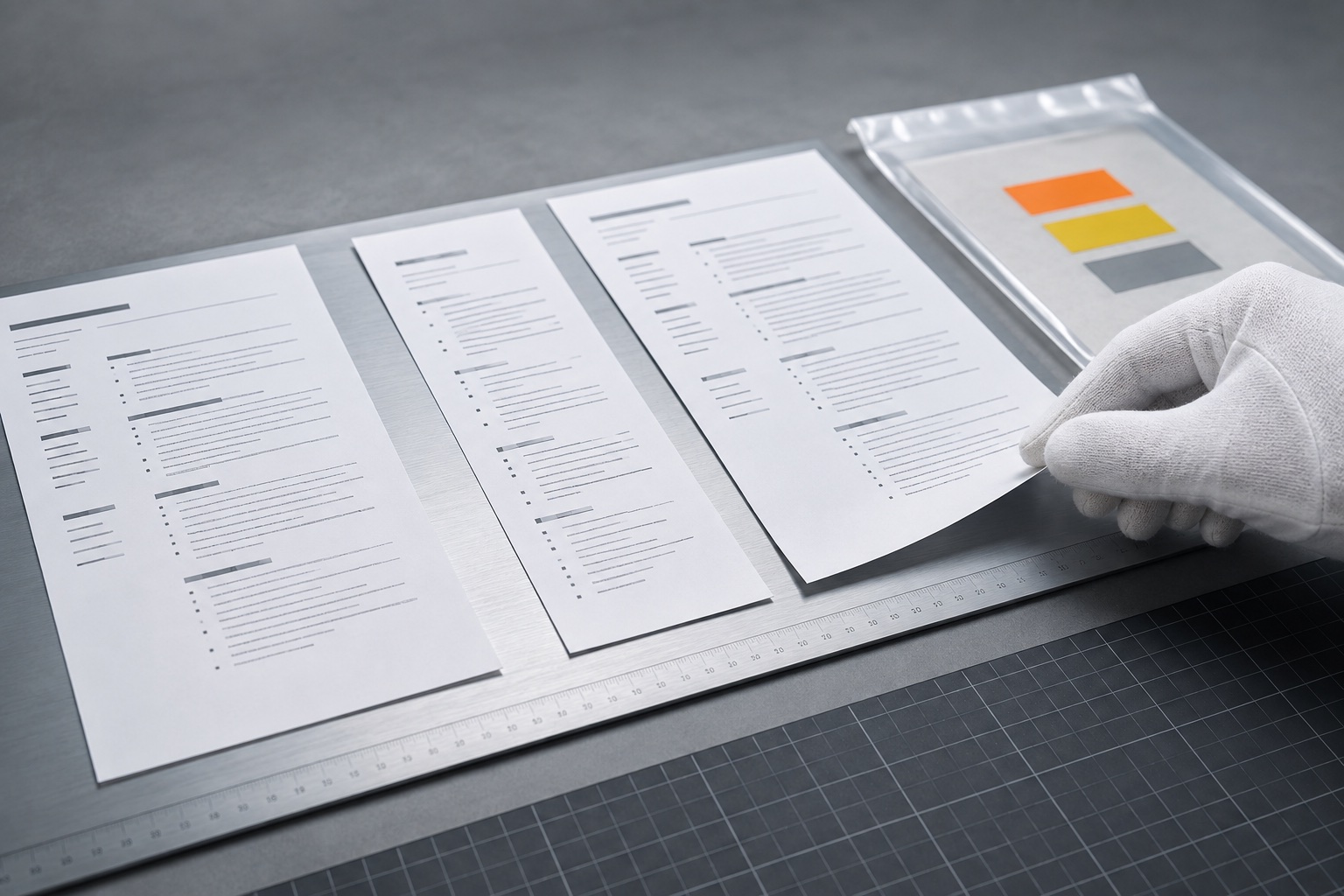
A strong resume can fail at the last meter. The candidate uploads an older version, submits a PDF when the portal requested DOCX, exports a page with missing characters, or attaches a file whose text cannot be selected in the expected order. None of those problems can be repaired by another achievement bullet.
A resume file health check should test four separate layers: submission instructions, content identity, machine-readable extraction, and visual integrity. Add a fifth operational check—proof that the intended file actually completed the upload. “PDF versus DOCX” is only one branch of that larger release process.
The application instructions outrank general advice
Read the job posting and upload screen before choosing a format. Note accepted file types, maximum size, page or document limits, required naming rules, whether the portal parses content into fields, and whether additional documents need separate slots. If the employer asks for DOCX, a beautifully exported PDF is the wrong file. If only PDF is accepted, do not improvise.
Requirements vary by system and application type. USAJOBS, for example, currently describes a two-page limit for standard federal resumes, a 5 MB maximum, and a list of accepted formats, while noting that some jobs may request a long-form CV. Those rules are specific to that channel; they are not evidence that every employer wants the same thing.
Save a screenshot or note of the instructions with the application record. Portals and postings can change, and the final check should use the rule that applied when you submitted.
Run the four-layer health test
Treat the file like a release candidate:
| Layer | What to verify | Typical failure | |---|---|---| | Instructions | Type, size, pages, required fields, upload slot | Correct resume rejected by the portal | | Identity | Candidate, target role, employer, current facts, version date | Old or wrong-target resume submitted | | Extraction | Text selectable, ordered, complete, ordinary characters | Columns or text boxes scramble content | | Visual integrity | Fonts, bullets, spacing, page breaks, links | Export shifts lines or hides symbols |
Do not combine these into one green score. A file can look perfect and still be the wrong version. It can extract cleanly while violating the page limit. A checker should expose each failure so you know whether to edit content, layout, export settings, or the upload choice.
Keep the source document and submission file separate. The editable file is where you make changes; the final artifact is what you inspect and submit.
Choose PDF or DOCX with a decision rule
Use the employer's explicit instruction first. When both formats are accepted, choose based on the actual workflow.
PDF is useful when you need a stable visual layout and can confirm that the exported text remains selectable and ordered. It reduces accidental editing and preserves page breaks across many devices. A PDF made from a scan or image does not automatically contain useful text.
DOCX may be preferable when the portal requests it, when parsing fields is central to the application, or when the employer expects an editable document. Open the final DOCX on another device or viewer if possible because fonts, spacing, and page breaks can change.
Do not rely on folklore that one format is universally “more ATS friendly.” Applicant systems, employer configurations, and submission instructions differ. A simple, single-column document with standard headings and ordinary text is easier to inspect in either format.
Test extraction instead of guessing about ATS behavior
Select all text in the final file, copy it, and paste it into a plain-text editor. Read from top to bottom. Confirm that the name, contact details, headings, employers, titles, dates, bullets, education, and skills appear once and in a sensible sequence. Look for lost characters, merged words, duplicated columns, headers inserted mid-sentence, and dates separated from their roles.
USAJOBS recommends a plain-text save-and-review step when formatting copied into its resume builder behaves badly. The principle is useful beyond that system: plain text exposes what visual styling can hide. It does not reproduce every parser, but it gives you a direct, observable check.
Avoid placing essential information only inside images, icons, text boxes, complex tables, headers, or footers. If a portfolio or profile link matters, include a readable label and full destination. Then open the link from the final file rather than assuming the export preserved it.
Use filenames as version control
A good filename is boring, identifiable, and safe across systems. Use the candidate name, document type, and optionally a short target or date: “Maya-Chen-Resume-Operations.pdf.” Avoid “resume-final-v7-NEW.pdf,” unexplained initials, emojis, sensitive identifiers, and excessively long names.
Create one folder per application or a consistent tracking structure. Store the job posting, source link, final resume, cover letter when used, and submission note together. Keep only one file marked as the submission candidate. Archive older drafts outside the upload folder so the file picker does not show six near-identical choices.
Before upload, compare the filename and first-page target with the tracker. After upload, check the displayed attachment name. A clean filename does not prove the correct file is inside; it simply makes human verification easier. Never include a Social Security number, birth date, medical detail, or other unnecessary sensitive data in the name or resume.
Inspect the final visual artifact at two zoom levels
Open the final file, not the editor preview. At full-page view, inspect hierarchy, margins, balance, page breaks, and whether a single line is stranded on a new page. At readable zoom, inspect punctuation, bullets, dates, links, font rendering, and alignment.
Check every page. Export failures often appear only on page two: a heading separates from its content, a footer covers a line, or a custom font becomes empty boxes. Print to paper or a print preview when the role or employer may print documents. Verify monochrome contrast if color carries emphasis.
Use standard fonts and restrained formatting. CareerOneStop advises consistent spacing, familiar headings, and simple single-column layouts because both human readers and parsing systems benefit. The goal is not visual plainness for its own sake. It is that design never hides the evidence or changes the reading order.
Complete an upload-and-proof checklist
Immediately before submission:
- reopen the posting and confirm file instructions;
- confirm candidate, employer, target, and dates in the final document;
- verify format, page count, and file size;
- run the plain-text extraction check after the last export;
- click links and inspect all pages;
- upload from the controlled application folder;
- confirm the portal shows the intended filename and successful attachment;
- review parsed fields for missing or misplaced content;
- save the submitted file and confirmation with the application record.
Do not edit the source after this check and assume the uploaded artifact changed. If you make one correction, export again and repeat the relevant checks. A final file is an immutable release, not a moving draft.
If the portal fails, capture the exact error, verify its constraints, and try an accepted alternative rather than repeatedly resubmitting the same artifact. Contact the employer's stated support route when the instructions and system conflict.
Sources and editorial limits
- CareerOneStop Resume Guide: Formatting — Guidance on page length, readable layouts, standard headings, file use, and ATS-aware formatting.
- USAJOBS: How to write a resume for a federal job — Current federal-application requirements for relevance, evidence, page limits, file types, and final review.
- USAJOBS: How to fix resume-builder formatting errors — A practical example of using plain text to expose formatting and extraction problems.
These sources support readable layouts, instruction-specific formats, plain-text troubleshooting, and final review. File checks cannot reproduce every employer's parser or guarantee screening outcomes. The vacancy and portal instructions remain authoritative for that application. Editorial review: September 6, 2026.
Put the guide into practice
Run the technical health check on the exact final artifact, then inspect its plain-text reading order and filename. Use the PDF tools only when conversion is allowed and recheck the converted file afterward.
- Resume File Technical Health Check — Check format, readability, and submission risks.
- ATS Plain Text Preview — Inspect extracted order and missing content.
- Resume File Name Checker — Create a clear, portable submission name.
- PDF Tools — Convert only when the employer accepts the resulting format.
Frequently asked questions
Is PDF always better for ATS?
No. Follow the employer's accepted or requested format. When PDF is allowed, confirm the exported text is selectable, complete, and ordered. When DOCX is requested, submit DOCX.
How can I tell whether a PDF is readable?
Copy all text into a plain-text editor and inspect the sequence. Also open every page, check characters and links, and verify that the file is not merely an image scan.
What should I name my resume file?
Use a short professional name such as First-Last-Resume.pdf, optionally adding a brief target. Avoid version chaos, unusual characters, and private identifiers.
Should I trust the portal after upload?
Verify the displayed filename, attachment status, and any parsed fields. Save the submitted artifact and confirmation so you can reconstruct exactly what the employer received.