Resume structure · Published September 10, 2026
Contact information is infrastructure: it should identify you, make a reply easy, and send the reader only to professional pages that strengthen the application.
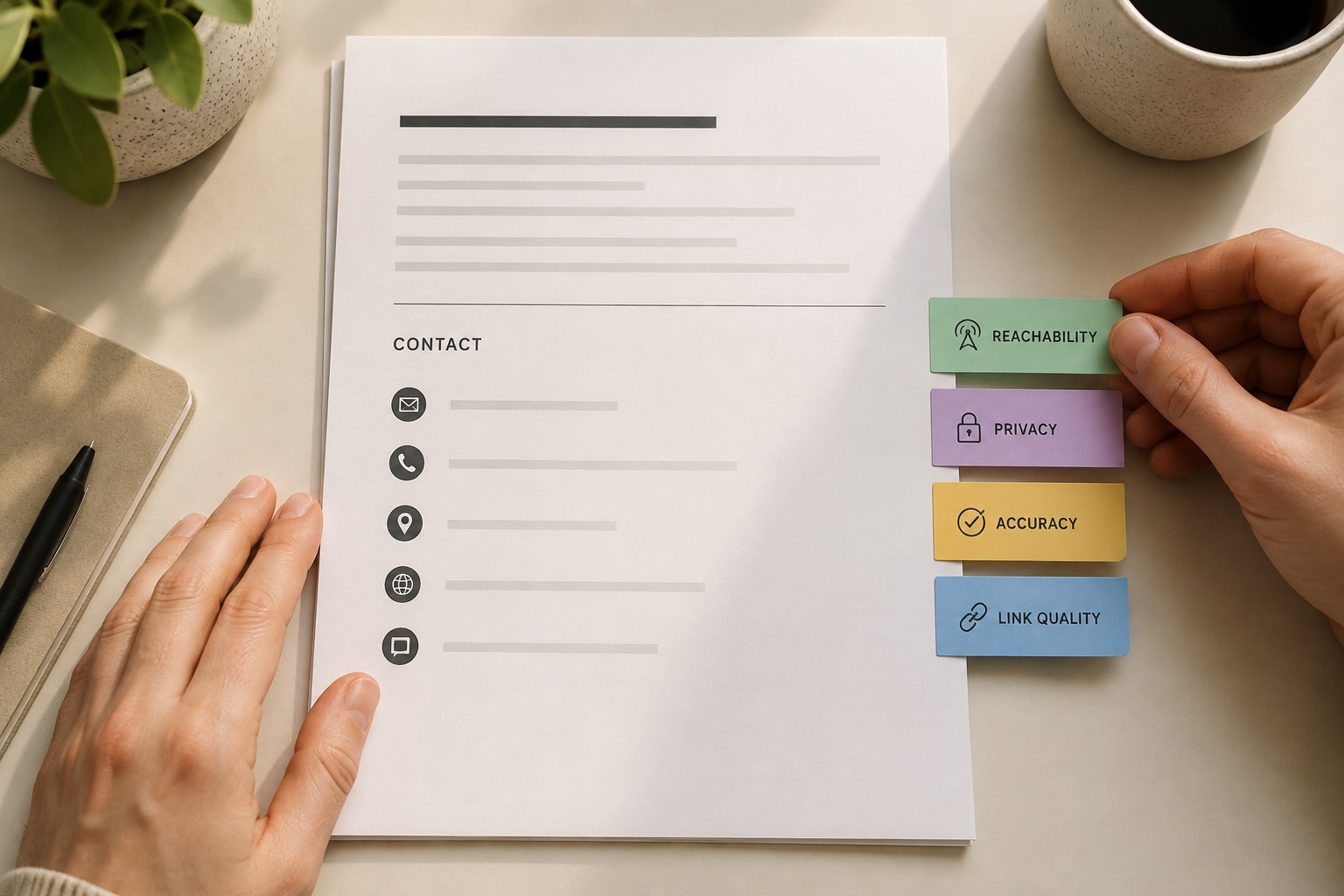
A resume contact block has one operational purpose: let the right employer identify and reach you without confusion. Include your preferred professional name, a phone number you monitor, a personal professional email, and—only when they help—a maintained LinkedIn profile or relevant portfolio. City and region may provide useful location context; a full street address is usually unnecessary for a standard private-sector resume.
More fields do not create more credibility. Each item adds a route that can fail, expose unnecessary information, or contradict the resume. Audit the block as carefully as a project handoff: correct destination, clear label, working link, appropriate access, and consistent identity.
Use the REACH audit for every field
REACH stands for Reachable, Expected, Accurate, Contextual, and Human-readable.
| Field | Keep when | Remove or repair when | |---|---|---| | Phone | You monitor voicemail and can receive expected calls | Shared, inactive, full mailbox, or wrong country code | | Email | Personal, stable, professional, and checked | Employer/school account may expire or display name is odd | | LinkedIn | Complete, current, and consistent with the resume | Empty, stale, or materially contradictory | | Portfolio | Landing page proves relevant work quickly | Broken, gated unexpectedly, unrelated, or unfinished | | Location | City/region helps confirm geography | Full address adds risk without application value |
Read the application instructions first. A government or local process may request details a standard resume does not need. Contact information on the resume does not replace required fields in the employer's system.
Make phone and email reliable under real conditions
Use one phone number with a neutral voicemail greeting. International applicants should include a country code and use spacing that a person can read. Do not add “Phone:” unless the layout needs clarification; the number itself is usually recognizable. Test that the PDF text is selectable and the digits have not wrapped.
Use an email you control beyond your current job or university. Check the sender name attached to the account because recruiters may see it when you reply. Avoid novelty addresses, but do not over-engineer a perfect variant if your name is common—a simple professional combination is enough.
Send the final PDF to yourself and open it on a phone. Copy both contact values into a blank message. This catches hidden characters, punctuation errors, and font substitutions that visual inspection can miss.
Treat LinkedIn and portfolio links as claims
A LinkedIn link tells the reader, “This page will reinforce my professional identity.” A portfolio link says, “This evidence is worth your time.” Test both promises.
Use clean destination URLs and visible labels such as “LinkedIn” or “Portfolio.” A long tracking URL wastes space and can break. Custom LinkedIn URLs are easier to read, but the destination matters more than cosmetic perfection. Confirm that public viewers can access what you expect without signing into your own account.
For a portfolio, link to a focused landing page rather than a generic cloud folder. Each featured item should state the problem, your role, constraints, process, and outcome. Protect confidential work; a redacted or reconstructed case study is safer than exposing client data.
Worked example: simplify a designer's header
The original header reads: full legal name, nickname in quotation marks, complete apartment address, two phone numbers, current-company email, personal email, LinkedIn, Behance, Dribbble, Instagram, and a 90-character portfolio URL. It looks comprehensive but asks the reader to choose among competing identities.
The revised version uses the name the candidate uses professionally, city and region, one phone with country code, one personal email, LinkedIn, and a short portfolio domain. Behance projects are linked from the portfolio; Instagram is removed because it contains mixed personal content. The candidate tests every destination in a private browser window.
Nothing important was lost. The block now gives one path for contact and two purposeful paths for validation. The full address remains available in the employer's secure application when required.
Run a final privacy and consistency check
Contact details spread quickly once a resume is uploaded. Share only what supports the application and use the employer's secure process for sensitive information.
- Compare name spelling across resume, email display name, LinkedIn, and portfolio.
- Verify phone country code, voicemail, and availability.
- Open each URL logged out and on mobile.
- Remove link-editing permissions and private client material.
- Confirm the PDF contains clickable links and readable fallback text.
- Keep date, title, and employer facts aligned across public profiles.
- Never include government identifiers, banking information, birth date, or passwords.
The FTC warns that fake recruiters may seek sensitive information before a legitimate interview or hire. A polished contact block helps people reach you; it should not become a container for identity-verification data.
Sources and scope
- CareerOneStop Resume Guide: Top section — Guidance on contact information, summaries, skills, links, and credentials near the top of a resume.
- CareerOneStop Resume Guide: Formatting — U.S. Department of Labor-sponsored guidance on readable layouts, dates, files, and ATS-aware formatting.
- Federal Trade Commission: Job scams — Current consumer-protection guidance on verifying employers, protecting personal information, and avoiding payment scams.
Application requirements and privacy norms differ by country and employer. This guide addresses ordinary resume contact mechanics, not identity verification, security clearance, or legally required application data. Editorial review: September 6, 2026.
Take the next useful step
Open the final resume on desktop and mobile, logged out of every linked service. Call the number, email the address, and click each public profile before you submit.
- Resume Section Checker
- Resume vs LinkedIn Consistency Checker
- Job Description to Resume Mapping
- Resume Readability Score
- Start Free
Questions readers usually ask
Should I include my full address?
For many standard resumes, city and region provide enough location context. Follow a specific employer or government instruction when it requires more; use secure form fields rather than publishing unnecessary detail.
Should the email be clickable?
It can be, provided the visible address is correct and selectable. A clickable link is convenience, not a substitute for readable text.
Do I need both LinkedIn and a portfolio?
No. Include each only when it adds relevant, current evidence. A strong portfolio may matter more for work samples; a maintained LinkedIn profile may help with professional context.
Can I use a preferred name?
Use the name by which you want professional contacts to address you, while providing legal information in official application or onboarding fields when required.