Guides · Published April 14, 2026
If your resume keeps disappearing into online applications, the issue is usually fixable. Most ATS rejections come down to weak matching, messy structure, or unclear proof of fit.
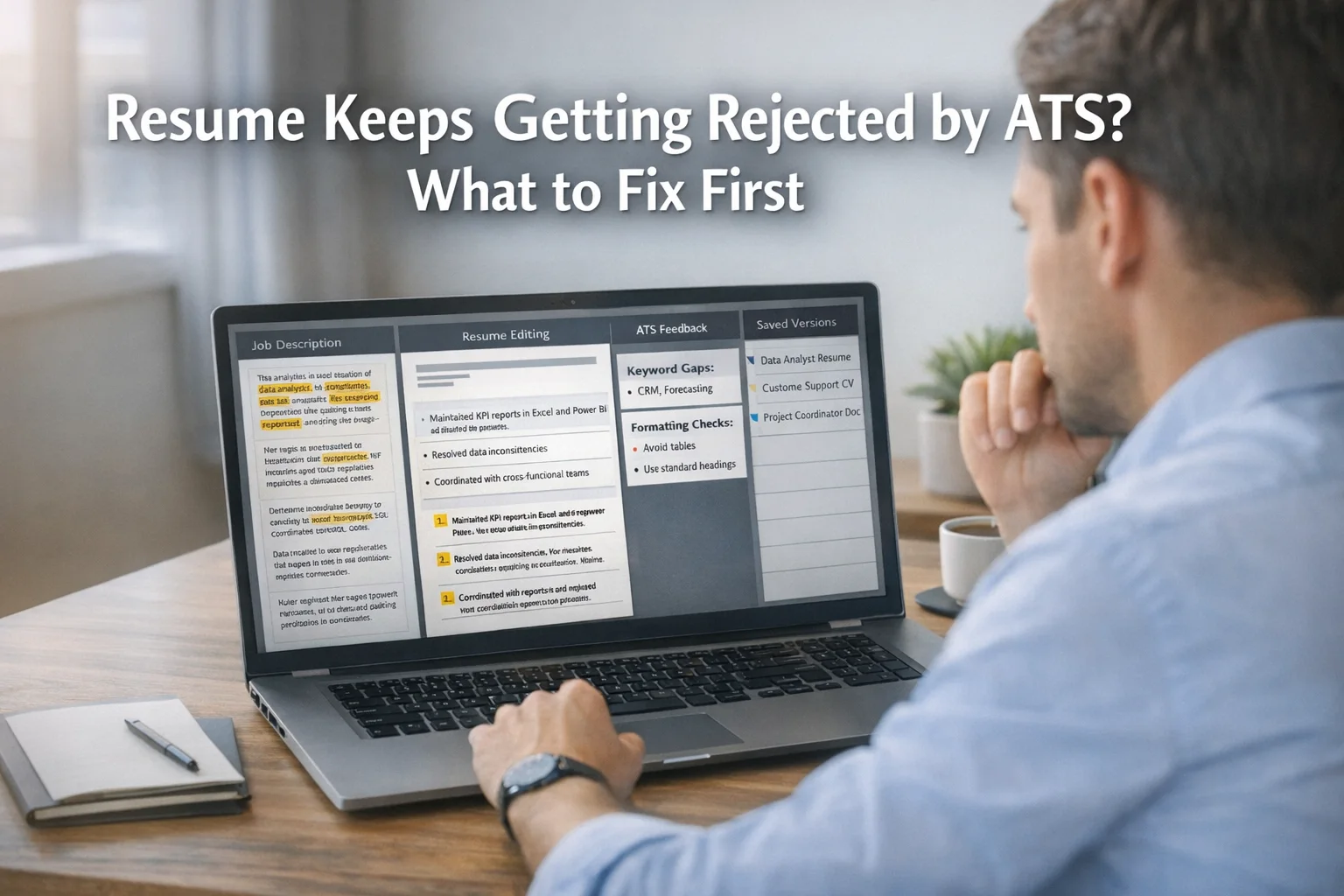
If your resume keeps getting rejected ATS may be part of the story, but usually not the whole story. In most cases, the problem comes down to one of three things: your resume does not match the role closely enough, the document is harder to parse than you think, or your experience is not proving fit quickly enough.
The good news is that this is usually fixable without rewriting your entire career history. What matters is fixing the highest-impact problems first.
Short Answer
Start with relevance, not aesthetics.
Before you change fonts, margins, or templates, check whether your resume clearly mirrors the job description, uses the right language for the role, and makes your fit obvious in the top half of page one. Then clean up any formatting that could make parsing harder. That order matters.
What Most Comparisons Get Wrong
A lot of ATS advice makes the process sound like a battle against a robot. That is not very useful.
Your resume usually fails for more ordinary reasons:
- the role asks for skills or tools your resume barely mentions
- your bullet points describe duties, not evidence
- your headings, layout, or file format create friction
- you are applying to roles that are close, but not close enough
- a screening question or hard requirement knocks you out before your resume matters
That is why “make it ATS-friendly” is incomplete advice. A clean format helps, but clarity and relevance usually help more.
What to Fix First if Your Resume Keeps Getting Rejected by ATS
1. Check the top third of your resume for obvious fit
Recruiters and systems both look for fast alignment. If the role is for a Data Analyst, Customer Support Specialist, or Project Coordinator, your resume should not make the reader guess that.
At the top of the document, make sure you have:
- a clear target title or summary aligned with the role
- 6 to 12 role-specific skills or tools that genuinely apply to you
- recent experience that supports the direction you are applying for
A weak summary like “motivated professional with strong communication skills” does not help. A stronger version names the function, tools, and context.
For example:
“Data Analyst with experience in SQL, Power BI, dashboard reporting, data quality checks, and stakeholder-facing analysis.”
That tells the system and the human what box you belong in.
2. Match the job description language more precisely
This is the biggest miss in many rejected resumes.
If the job description says “stakeholder management,” “incident resolution,” “forecasting,” “vendor coordination,” or “CRM reporting,” your resume should use those exact ideas where they truthfully apply. Not because you are gaming the system, but because vague wording hides relevant experience.
Bad version:
- Helped teams with reporting and support
Better version:
- Built weekly Power BI reports for stakeholders and resolved data quality issues affecting operational reporting
The second version is easier to match to real hiring criteria.
A fast rule: if the job description repeats a term three or four times, check whether your resume reflects that language naturally.
3. Turn keywords into evidence
Keywords without proof do not carry much weight. If you mention Excel, SQL, Jira, Salesforce, ticketing, onboarding, documentation, troubleshooting, forecasting, or stakeholder communication, show where and how you used them.
Instead of this:
- Responsible for customer support
- Worked with dashboards
- Assisted with system issues
Use this:
- Resolved user issues across account access, device setup, and internal tooling with clear ticket documentation
- Built recurring dashboard views for KPI tracking and ad hoc business questions
- Supported issue triage, root-cause checks, and follow-up communication with internal stakeholders
The language becomes more concrete, more searchable, and more convincing.
4. Remove formatting that creates parsing risk
This is the part most people think of first, but it should come after role match.
If your resume uses tables, text boxes, icons, graphics, headers packed with contact details, or multiple narrow columns, simplify it. A resume can still look polished without being visually complicated.
Prioritize:
- one-column layout
- standard section headings like Experience, Skills, Education
- text-based PDF or the file type requested in the application
- simple bullets
- consistent dates and job titles
- no important information hidden in headers or footers
This does not mean your resume must look ugly. It means it must be easy to read by both software and humans.
5. Stop sending the same resume everywhere
Many job seekers think their resume is “bad for ATS” when the real issue is that it is too broad.
A general resume might be good enough for five different roles in theory, but not strong enough for any one of them in practice. A support-heavy version, an operations-heavy version, and an analytics-heavy version should not be identical.
This is where repeat applicants lose time. They keep manually editing old versions, then forget what they sent where.
A structured workflow helps more than endless rewriting. HireDraftAI is useful in that exact situation because it helps you check ATS gaps, tailor the CV to a real job description, generate a matching cover letter, export a send-ready file, and keep versions connected in one place instead of scattered across folders and chats.
For more practical resume guidance, visit the HireDraftAI blog.
6. Check whether the problem is actually fit, not formatting
Sometimes the document is fine. The application still fails because of a hard filter.
Common examples:
- required language level
- work authorization
- location requirement
- years of experience minimum
- industry-specific certification
- shift or on-site availability
- salary expectations or knockout questions
If you are getting rejected very quickly, sometimes within minutes or hours, look at the application form as closely as the resume. One wrong or unfavorable answer can end the process before your document gets a fair read.
This is also why you should not blame the ATS for every rejection. Some roles are simply tighter than they first appear.
A 15-Minute Resume Triage Before You Apply Again
Use this quick check before sending your next application:
- Read the job description and highlight the repeated skills, tools, and responsibilities.
- Check whether those exact ideas appear naturally in your summary, skills, and recent experience.
- Rewrite two or three vague bullets into evidence-based bullets.
- Remove tables, icons, text boxes, and decorative elements.
- Confirm your file type matches the application instructions.
- Review screening questions for hidden knockout issues.
- Save the resume as a role-specific version, not a generic master copy.
That short process usually improves more than another hour of cosmetic editing.
A Realistic Example
Imagine someone applying for Operations Analyst roles with a resume that says:
- managed reports
- worked with data
- supported business teams
That sounds acceptable, but weak.
Now compare it to:
- maintained recurring KPI reports in Excel and Power BI for business stakeholders
- investigated data inconsistencies and corrected reporting issues before weekly review cycles
- coordinated with cross-functional teams to clarify reporting needs and improve dashboard usability
Same person. Same background. Better matching, better proof, better odds.
That is the kind of change that matters when your resume keeps getting rejected ATS filters are only part of what is responding. Humans are reading what comes through, and they reward clarity.
When You Should Start Over Completely
Do not endlessly patch a broken resume if:
- the layout is heavily designed and hard to simplify
- the document tries to target three different job families at once
- your bullets are mostly duties with no context
- your recent experience does not support the direction you are applying for
- the first page still feels generic after editing
At that point, rebuilding from a clean, role-specific structure is usually faster.
If you are applying often, use a workflow that lets you tailor from the actual job description instead of starting from blank pages every time. You can explore that approach on HireDraftAI.
Approved Free Tool CTA
Compare the resume to the actual job description, then rewrite only the missing evidence you can prove.
Primary free tool: resume scanner with job description.
Source and Editorial Note
This article was reviewed after manual SEO approval on 2026-07-05. It uses official and primary references where claims need grounding, and it avoids claiming that a resume score, keyword tool, or AI workflow can guarantee interviews.
Final Verdict
If your resume keeps getting rejected, ATS optimisation is not the first thing to obsess over. Fix obvious role match first, strengthen proof in your bullet points, and remove formatting that creates avoidable parsing problems.
The best resume improvements are usually not dramatic. They are precise. Better language. Better evidence. Better alignment. Once those are in place, ATS-friendly formatting starts helping the way it is supposed to.